Explore Productsended
.
Ended
-
Won For
$2
Item Details
Seller

Nellis Auction
Pickup Location
5615 W Fuqua St BLDG D
Houston, TX, 77085
Quality
Used
Functional
No Damage
Assembly Required
In Package
No Missing Parts
Estimated Retail Price
$14.99
Buyers Premium
15%
Inventory Number
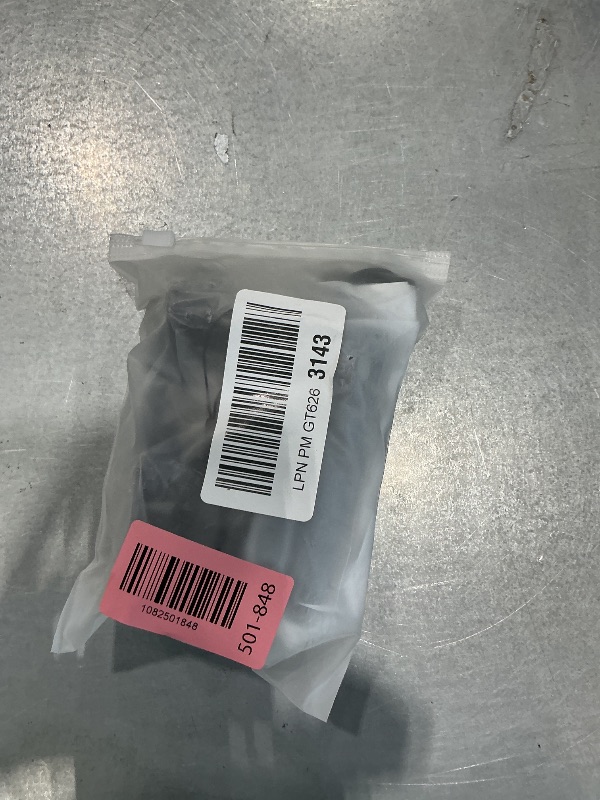
1082501848
Additional Details from the Manufacturer
This item information is coming from the manufacturer. Some of the details may vary from the Nellis Auction listing. Please check the Quality Rating and Notes for information specific to this listing
brand
Zttopocolor
Blackdimensions
Package: 0.49 lbweight
0.46 lbsMore features
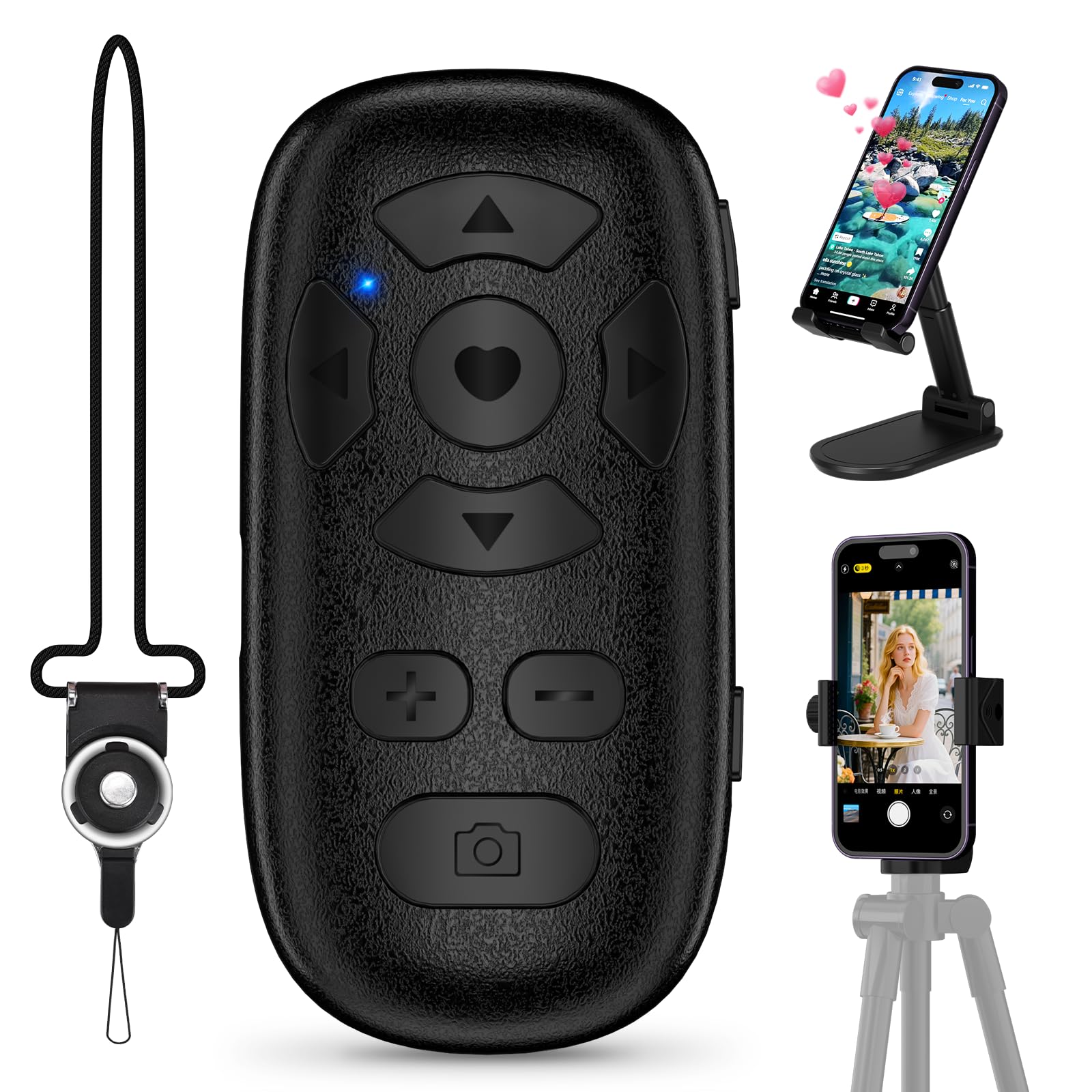
- TikTok Scrolling Remote: You can use the Scrolling remote to swipe to the next or previous video, give a like, adjust the volume, and swipe left or right. Free your hands with this Bluetooth remote. iOS devices: Settings: Open Settings > Accessibility > Zoom > Turn on Zoom > Use three fingers to double-tap the screen to restore. Compatible with Tiktok/YouTube/Instagram/Snapchat/Facebook etc
- ALL IN ONE: The package includes a tripod mount, holder, and a neck strap – everything you need to use the product comfortably in different situations. Get it all with one simple payment.
- One-click photo taking: when you need to take a selfie or a family photo, just open your phone's camera and press the remote's camera icon button. No need to ask a stranger for help! The maximum operation distance is 33 feet.
- Zoom in and out: This iphone camera remote has a zoom-in and zoom-out function. With the plus or minus keys, you can adjust the focal length of your cellphone camera. Long press the zoom +/- keys to steplessly zoom, ensuring a smooth zooming experience. Note: The front camera does not have a zoom function, and this function does not work with iPads or any other types of pads.
- Compatibility note: iPhone (system version above V14.8 required). Before use, open the Settings menu on your iOS device. Open Settings > Accessibility > Zoom > Turn on Zoom > Using three fingers, double-tap the screen to restore. For Android phones, only connect via Bluetooth and then use.
See the deals
Get in on the action, thousands of new items added daily. Bid and win!
Start bidding now