
Explore Productsended
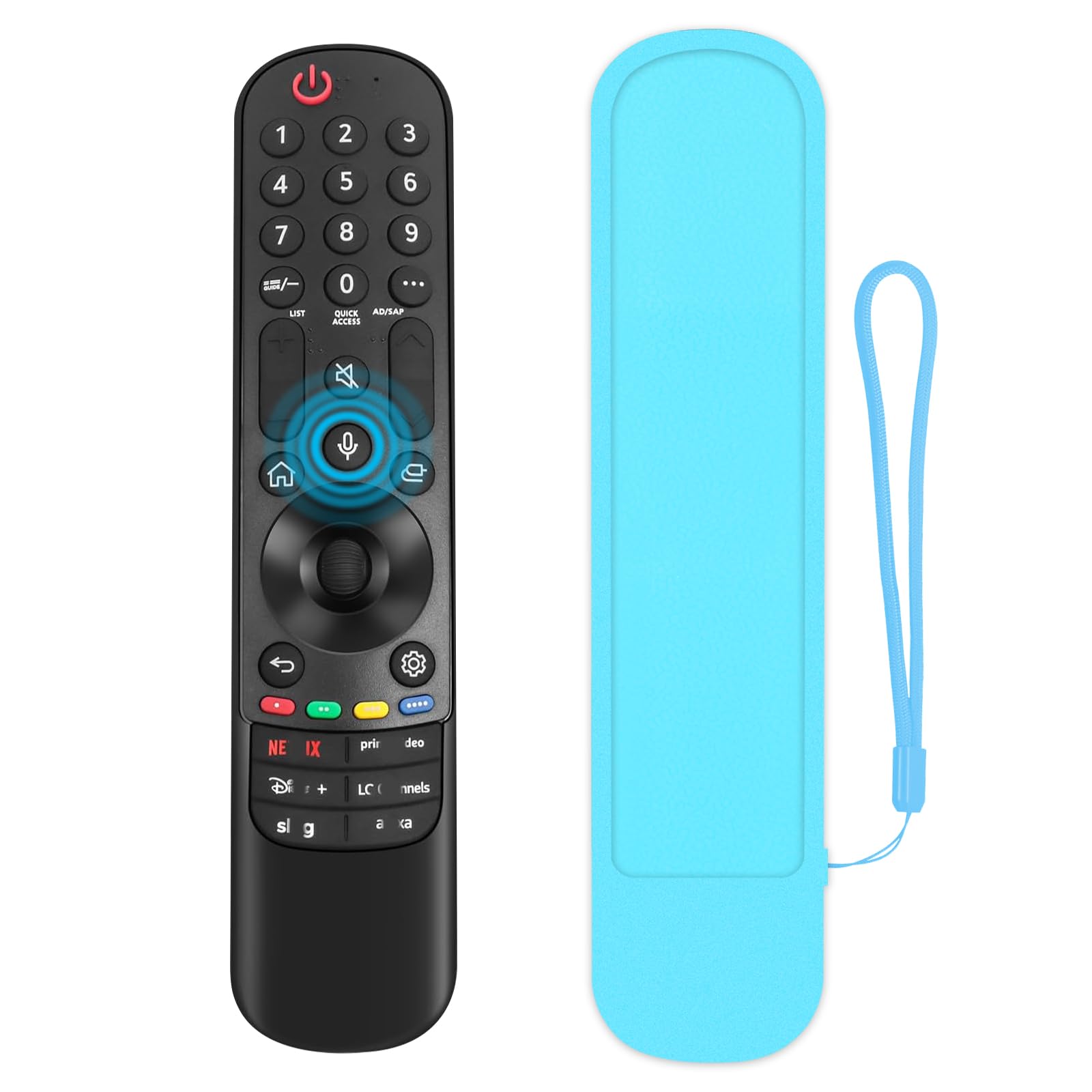
(1+1 Pack) Universal Replacement Voice Magic Remote Control Fit LG TV with Pointer Function & Blue Glowing Soft Protective Silicone Cover Compatible with LG OLED 3D TVs All Models 2019-2024
(1+1 Pack) Universal Replacement Voice Magic Remote Control Fit LG TV with Pointer Function & Blue Glowing Soft Protective Silicone Cover Compatible with LG OLED 3D TVs All Models 2019-2024
Item Details
Seller

Lots Of Auctions
Pickup Location
2832 Anode Lane
Dallas, TX, 75220
Quality
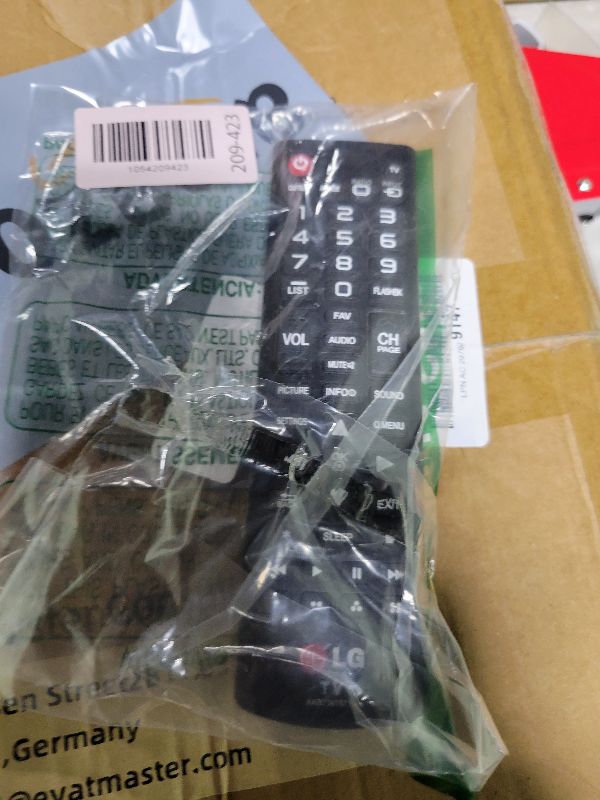
New
Functional
No Damage
Assembly Required
In Package
No Missing Parts
Estimated Retail Price
$14.17
Buyers Premium
15%
Inventory Number
1054209423
Found in
Additional Details from the Manufacturer
This item information is coming from the manufacturer. Some of the details may vary from the Nellis Auction listing. Please check the Quality Rating and Notes for information specific to this listing
brand
LUNOAOAcolor
Voice Remote Control+ Glow Blue CoverMore features
- Two-in-One Combination:Our voice remote control kit includes 1 remote control for LG, 1 blue soft protective silicone remote Cover. One purchase brings multiple satisfactions, delivering a great shopping experience for you
- Fitment:This replacement remote compatible with LG all smart TVs 2019-2024 with voice and pointer function . It serves as a great replacement for LG smart remotes, including MR23GA/GN, MR22GA/GN, MR21GA/GC, MR24GA/GN, MR20GA, MR19BA, MR18BA, AKB76039902, AKB76043102 and AKB75855501 etc. (Notice: It doesn't work with cable boxes.)
- Enhanced Convenience:The magic remote is equipped with 6 shortcut Buttons for quick access to your favorite channels.This makes the remote smarter and more convenient, providing you with a convenient user experience
- Blue Glowing Soft Remote Cover:Our remote control cover is made of secure silicone and is durable.The soft silicone remote cover not only make it pretty look, but also provide protection for your remote
- Easy to Pair:This remote is easy to pair all age groups. Step 1, power on the TV and install batteries into the remote. Step 2, press and hold the "Home" button and "Back" button for 5-7 seconds until a message pops up . Aim the remote at the TV and press the Wheel (OK) button. (If pairing fails, please repeat this step)
- Support Available:Technical support available for troubleshooting. We offer a after-sales service
See the deals
Get in on the action, thousands of new items added daily. Bid and win!
Start bidding now