
Explore Productsended
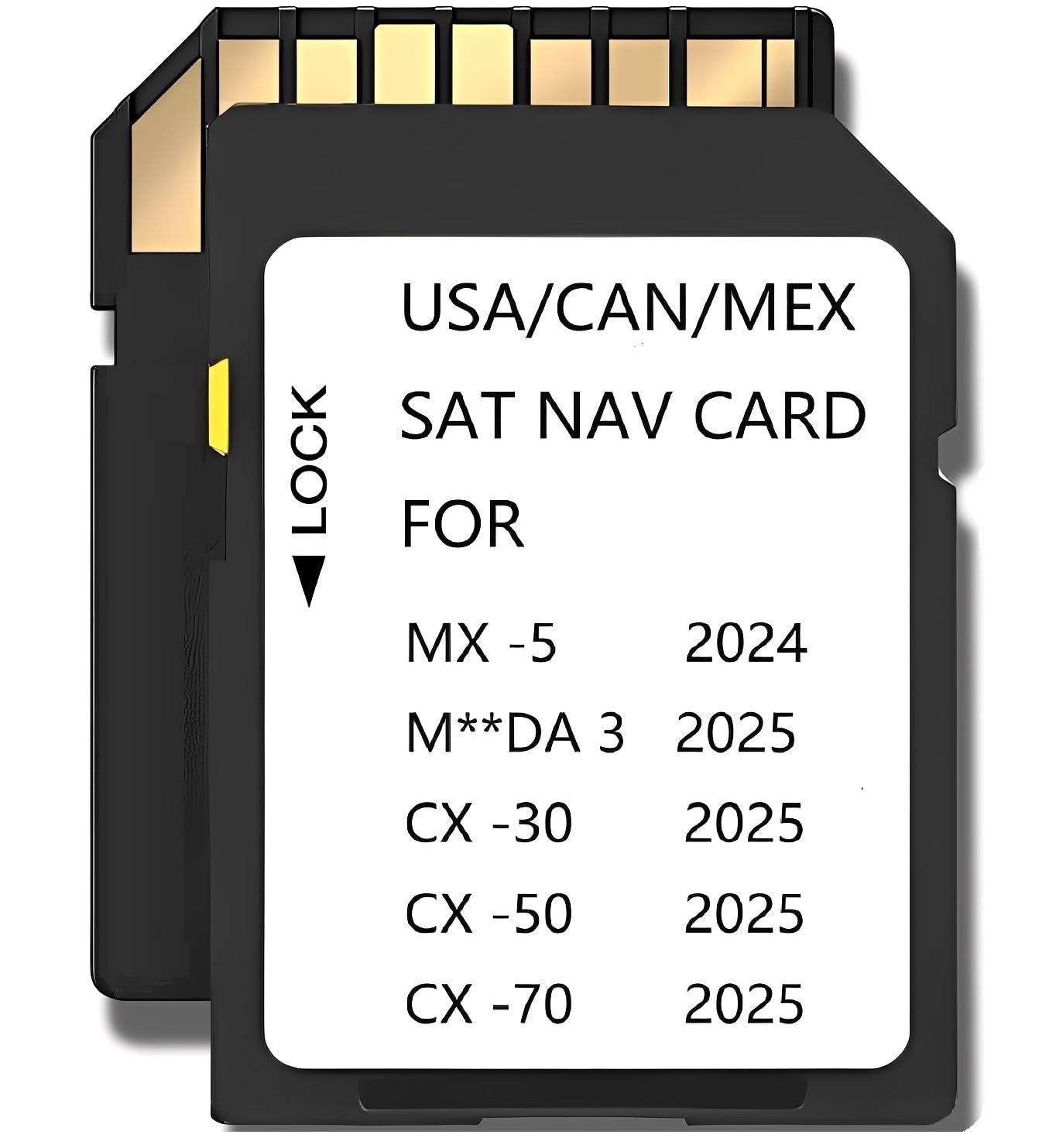
2025 2026 Latest Navigation Memory sd Card Compatible with Maz*da 3(2025 2026),Cx-30(2025 2026),Cx50(2025 2026),CX-50 Hybrid(2025 2026),Cx70(2025 2026),MX-5(2024-2026),(NAVISD2425)
2025 2026 Latest Navigation Memory sd Card Compatible with Maz*da 3(2025 2026),Cx-30(2025 2026),Cx50(2025 2026),CX-50 Hybrid(2025 2026),Cx70(2025 2026),MX-5(2024-2026),(NAVISD2425)
Description
2025 2026 Latest Navigation Memory sd Card Compatible with Maz*da 3(2025 2026),Cx-30(2025 2026),Cx50(2025 2026),CX-50 Hybrid(2025 2026),Cx70(2025 2026),MX-5(2024-2026),(NAVISD2425) Note:it is compatible with 2025 CX-50 Hybrid and 2025 CX-50 (Not compatible with CX-5 2025)
Item Details
Seller

Lots Of Auctions
Pickup Location
2832 Anode Lane
Dallas, TX, 75220
Quality
New
Functional
No Damage
No Assembly Needed
In Package
No Missing Parts
Estimated Retail Price
$26.83
Buyers Premium
15%
Inventory Number
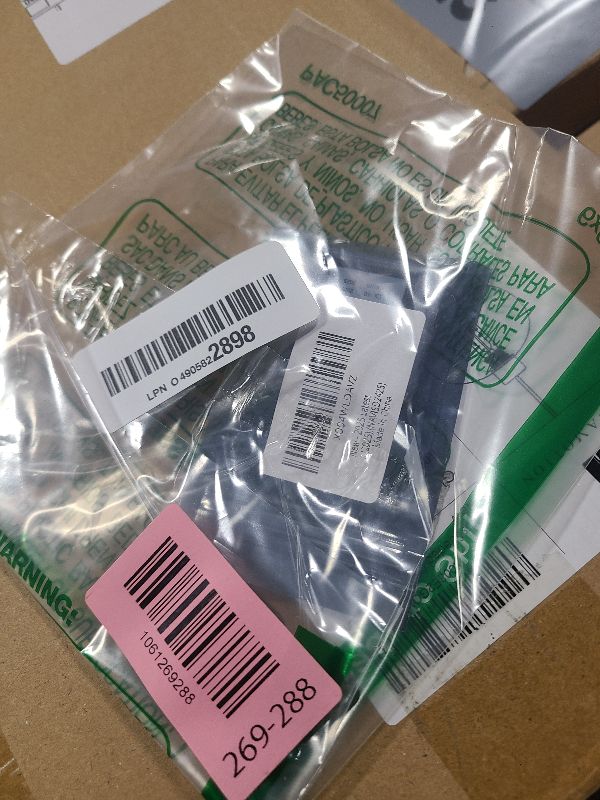
1061269288
Additional Details from the Manufacturer
This item information is coming from the manufacturer. Some of the details may vary from the Nellis Auction listing. Please check the Quality Rating and Notes for information specific to this listing
brand
Ceypecfirecolor
Blackweight
0.00 lbsMore features
- 2025 2026 Latest Navigation Memory sd Card Compatible with below Maz*da models MX-5 (2024,2025,2026) Mazda 3 (2025,2026) Cx-30 (2025,2026) Cx70 (2025,2026) Cx50 (2025,2026) CX-50 Hybrid 2025,2026
- Please Note: The Navigation sd card can be used only in one car, once it is installed to the navigation system for the first time, it will be locked with cars VIN. Navigation system Navi cards cannot be used/switched from one vehicle to another.
- Please note: When using a new card for the first time, it is necessary to load map data and configuration files. For some devices, the index construction needs to be completed in the background on the server. Therefore,Sometimes,it is necessary to wait for 1-2 hours or restart the next day to allow the system to complete the initialization before the GPS signal synchronization can be achieved
- INSTALLATION INSTRUCTION: Step 1: Turn vehicle off. Step 2: Locate the card slot. Step 3: Remove the old memory card. Step 4: Insert the new Navigation memory Card into the slot until it clicks. Step 5: Start the engine to ensure the new Navigation memory Card is functioning. The word "Navigation" should appear in the upper right hand corner
See the deals
Get in on the action, thousands of new items added daily. Bid and win!
Start bidding now