
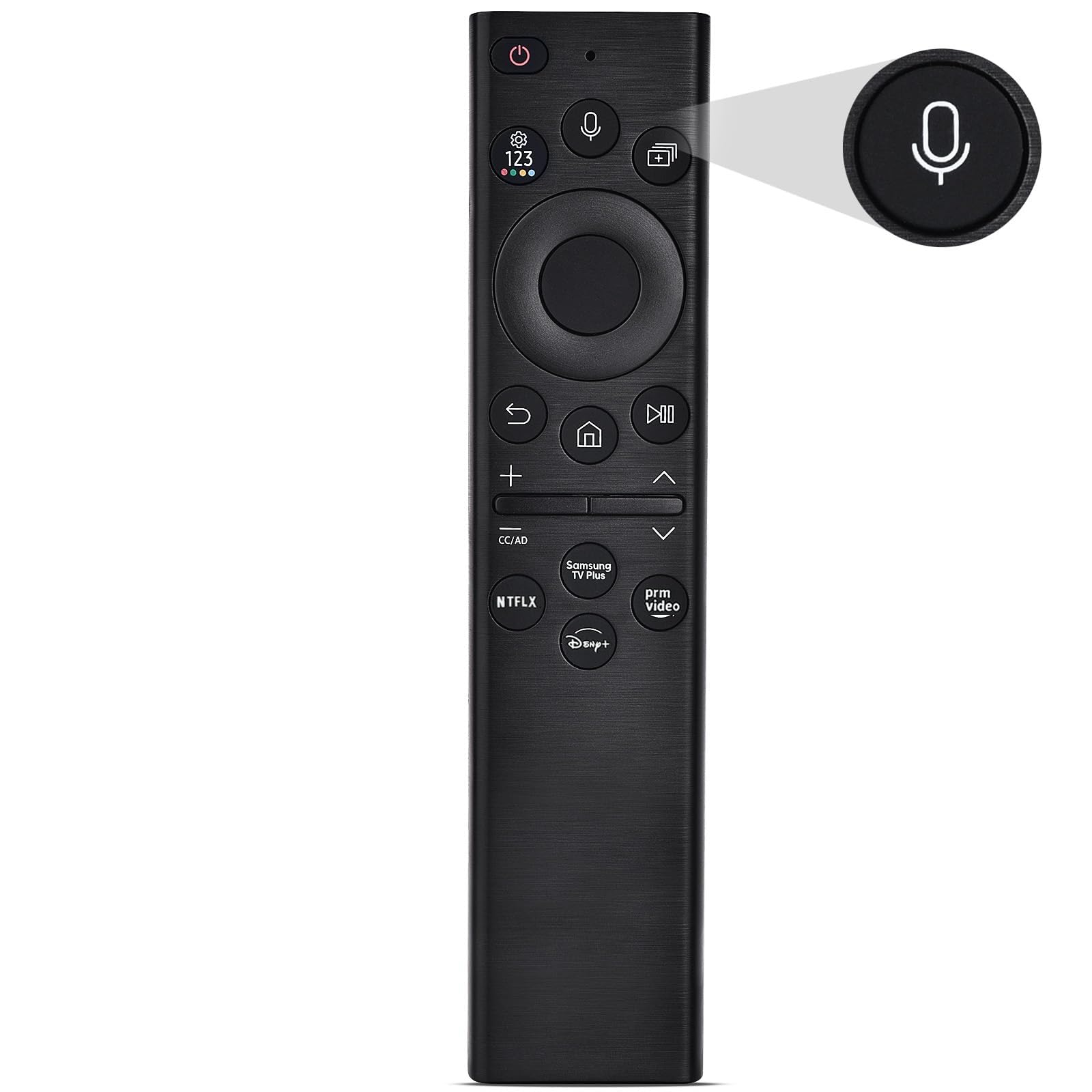
2026 new Remote Replacement Control Fit for Stick 2nd Gen, 3rd Gen, Lite, 4K,4K MAX Fire Cube (1st Gen, 2nd Gen, 3nd Gen), Fire (3rd Gen PendantDesign) 29
2026 new Remote Replacement Control Fit for Stick 2nd Gen, 3rd Gen, Lite, 4K,4K MAX Fire Cube (1st Gen, 2nd Gen, 3nd Gen), Fire (3rd Gen PendantDesign) 29
Description
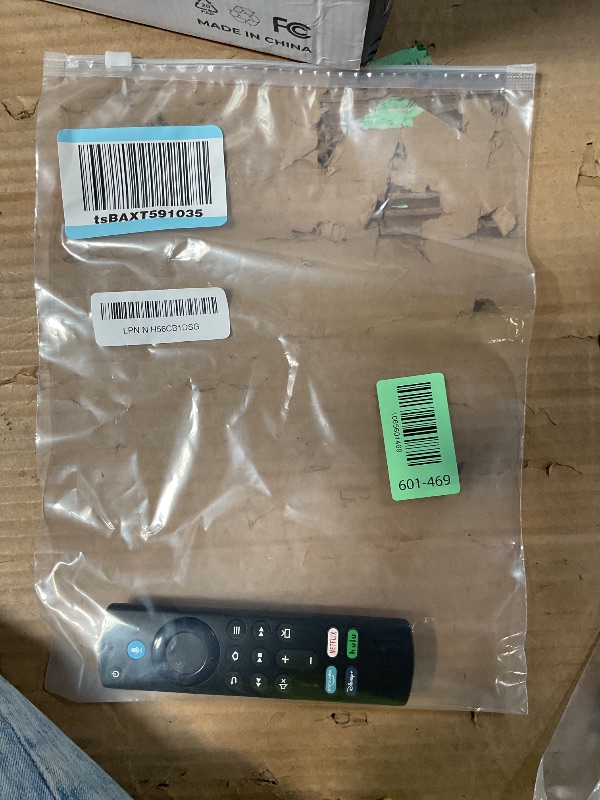
Voice Remote Control (3 rd Generation) Fit for Fire Cube (3rd Generation) Fit for Fire Cube (2nd Generation) Fit for Fire Cube (1st Generation) Fit for Fire Stick 4K Max Fit for Fire Stick 4K Fit for Fire Stick (3rd Generation) Fit for Fire Stick (2nd Generation) Fit for Fire Stick Lite Fit for Fire (3rd Generation, Pendant Design)
Item Details
Seller

Nellis Auction
Pickup Location
4965 E 48th Ave, Denver, CO 80216
Denver, CO, 80216
Quality
Estimated Retail Price
$15.92
Buyers Premium
15%
Inventory Number
1065601469
Found in
Additional Details from the Manufacturer
This item information is coming from the manufacturer. Some of the details may vary from the Nellis Auction listing. Please check the Quality Rating and Notes for information specific to this listing
brand
Rupmmehoncolor
blackMore features
- 2026 new Remote Replacement Control Fit for Stick 2nd Gen, 3rd Gen, Lite, 4K,4K MAX Fire Cube (1st Gen, 2nd Gen, 3nd Gen), Fire (3rd Gen PendantDesign) 29
- Easy voice search & control: 50% more powerful than the previous generation for fast streaming in Full HD. Quickly search across thousands of top channels, play entertainment, control your streaming, and more with your voice. Just press "Voice" button to easily find.
- 2026 new Remote Replacement Control Fit for Stick 2nd Gen, 3rd Gen, Lite, 4K,4K MAX Fire Cube (1st Gen, 2nd Gen, 3nd Gen), Fire (3rd Gen PendantDesign) 29
- 【EASY TO PAIRING】: you need to pair it firstly before you use, Press and Hold the Home button about 10-15 seconds, then Release when the LED starts to rapidly flash, waiting about 30-60 seconds (Entering Pairing mode, LED Flash), then remote should automatically Pair with your device.
- Reasons why the remote controller can't work properly after pairing: (1) if the remote controller can't work after pairing, it may be caused by too many devices paired with the device. (2)The battery of the old remote controller is not taken out. If the battery of the old remote controller is not removed, the old remote controller will still be paired with the device, so the new remote controller will not work properly.
See the deals
Get in on the action, thousands of new items added daily. Bid and win!
Start bidding now