Explore Productsended
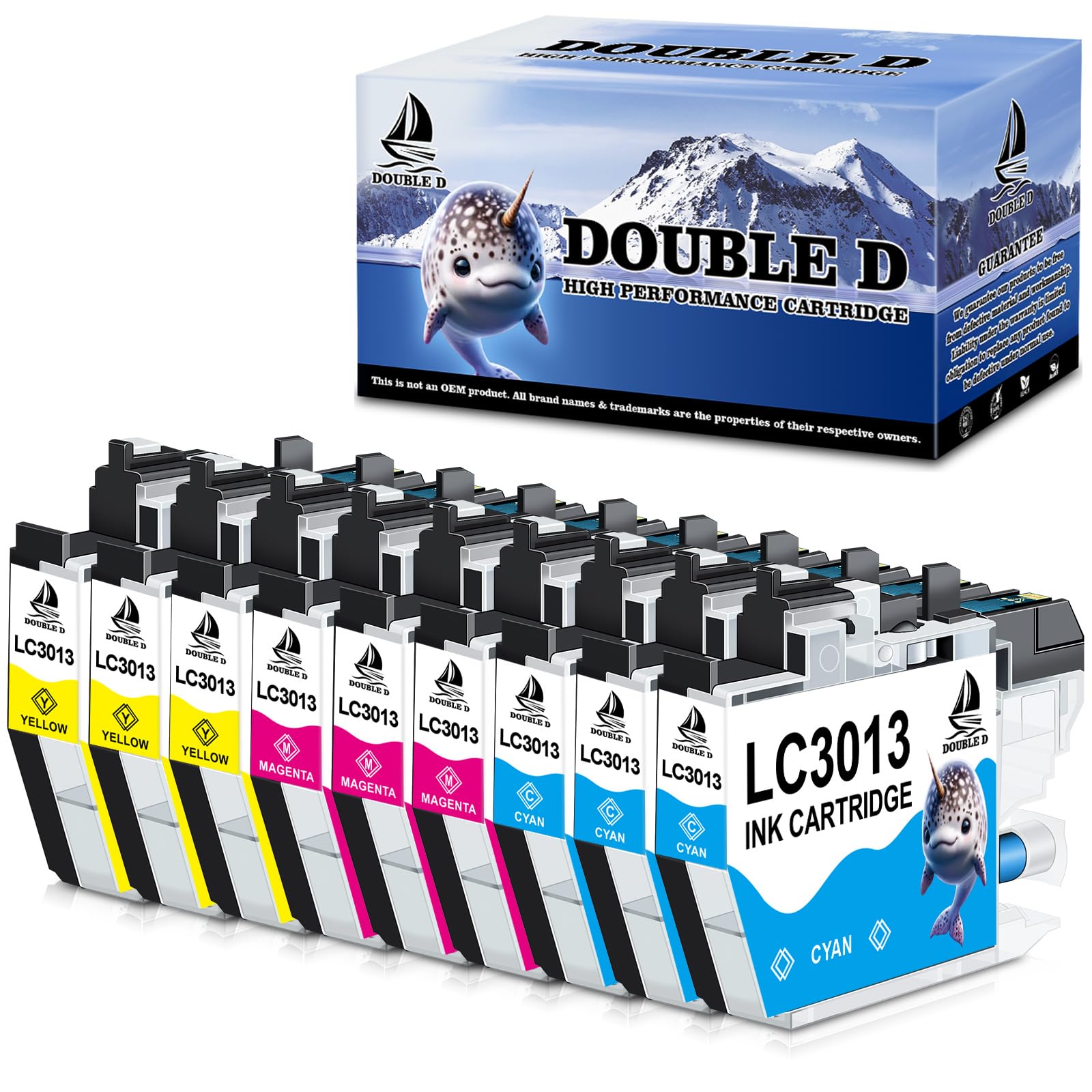
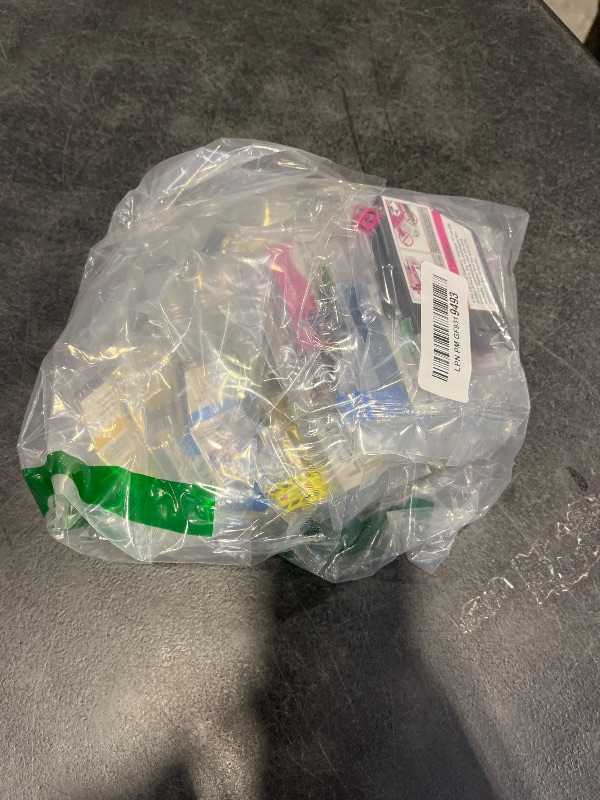
DOUBLE D LC3013 Color Ink Cartridges Compatible Replacement for Brother LC3013 LC3011 High Yield for Brother MFC-J491DW MFC-J497DW MFC-J895DW MFC-J690DW Printer (3 Cyan, 3 Magenta, 3 Yellow, 9 Pack)
Ended
-
Won For
$1
Item Details
Seller

Legacy Bids
Pickup Location
3591 John Peter Lee St
North Las Vegas, NV, 89032
Quality
New
Functional
No Damage
No Assembly Needed
In Package
No Missing Parts
Estimated Retail Price
$21.31
Buyers Premium
15%
Inventory Number
1090697796
Additional Details from the Manufacturer
This item information is coming from the manufacturer. Some of the details may vary from the Nellis Auction listing. Please check the Quality Rating and Notes for information specific to this listing
brand
DOUBLE Dcolor
3C/3M/3Ydimensions
Item: 4.7 × 3.5 × 3.9 in · Package: 0.77 lbMore features
- 【Compatible Printers】Brother MFC-J491DW, MFC-J497DW, MFC-J690DW, MFC-J895DW Inkjet Printer
- 【Packag Contents】3 x Cyan LC3013, 3 x Magenta LC3013, 3 x Yellow LC3013, 1 x Gloves, 1 x User guide
- 【Extra High Yield】 Up 440 pages per color LC3013 color ink
- 【Advantages】 ①Multiple Certifications, ②Premium Print Quality, ③Cost Effective, ④Newest Chip, ⑤Secure Packed
- 【Your Printing Helper】 LC3013 Compare with LC3011: DOUBLE D high yield LC-3013 ink cartridge is compatible with LC-3011 ink cartridge which is high capacity than lc3011 ink (lc3011 standard yield)
- 【Product Quality Control】 Certified by ISO9001and MSDS. Strictly tested with industry quality control processes for compatibility, performance, print quality and page yield. All compatible printers instantly recognize the ink cartridges and work flawlessly
- 【Tips】 Please replace the ink cartridge while the printer is power on to avoid the cartridge not recognizing the printer. It is normal if the printer screenshot in the ink level page shows “?”after you insert compatible ink cartridges. Please disregard and keep printing, it will not effect the function of printer
See the deals
Get in on the action, thousands of new items added daily. Bid and win!
Start bidding now