
Epindon Hall Effect Stick Module Replacement Compatible with Victrix Pro BFG Wireless Controllers | Both PS5 & Xbox Version | 2-PACK 80G
Epindon Hall Effect Stick Module Replacement Compatible with Victrix Pro BFG Wireless Controllers | Both PS5 & Xbox Version | 2-PACK 80G
Description
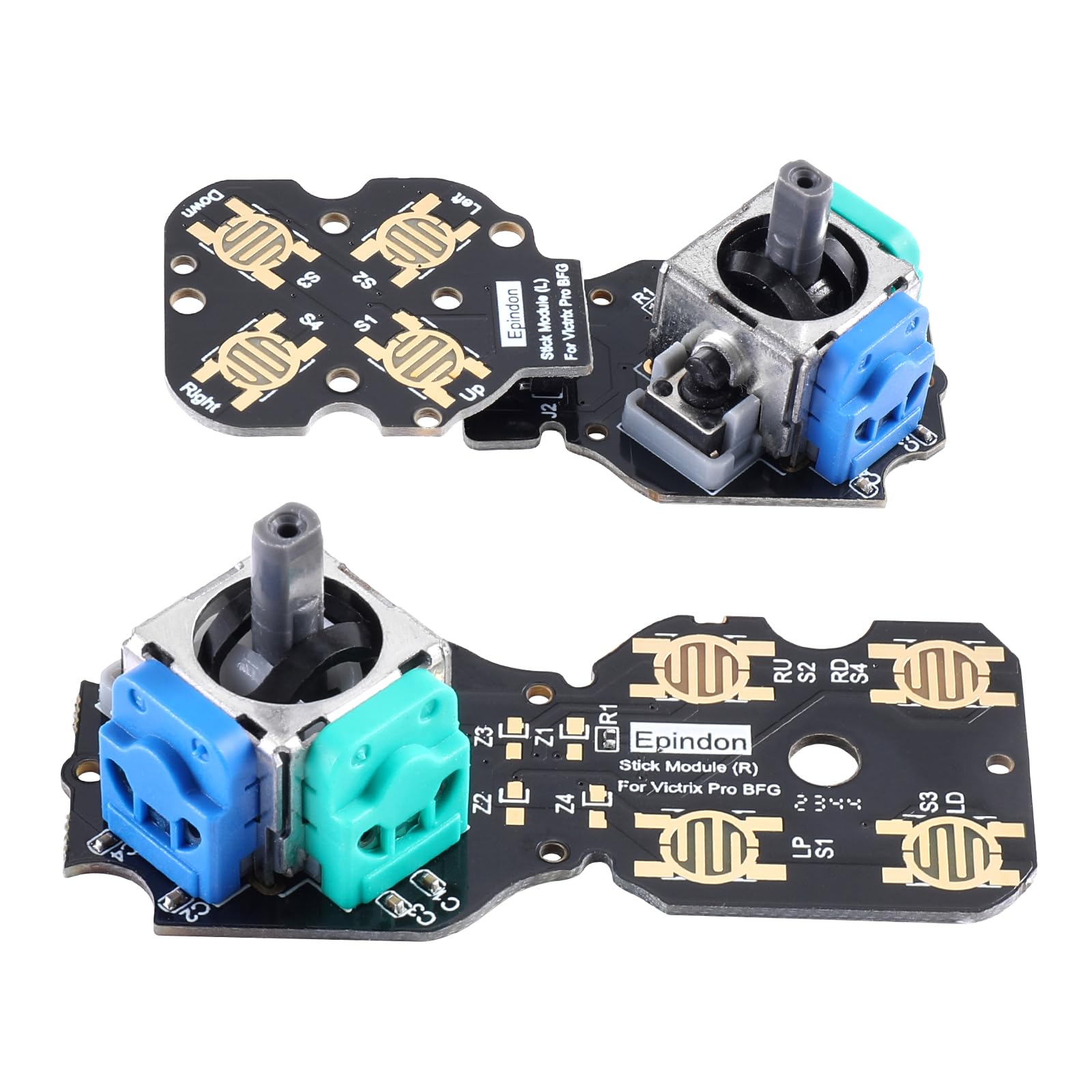
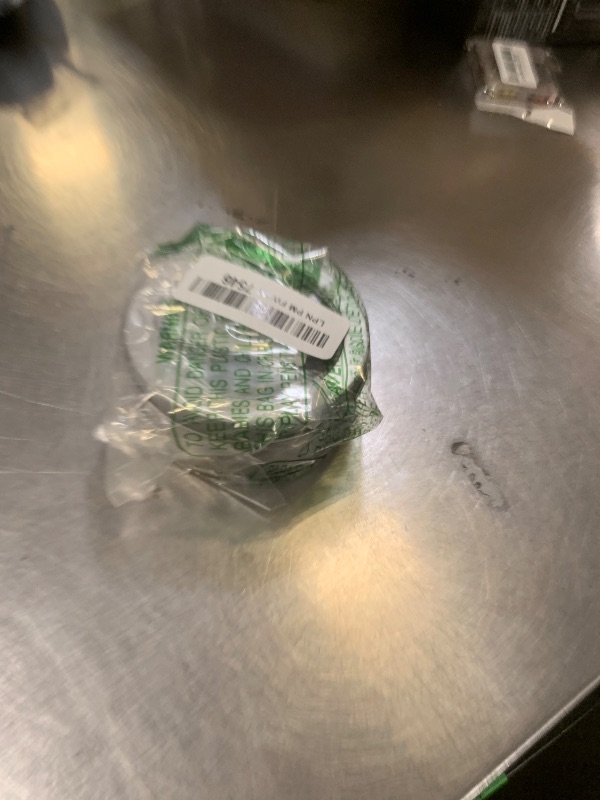
Building on our Epindon stick module experience, we handmade some modules with professional gamer feedback.It’s designed to make the Victrix Pro BFG last longer and feel more comfortable during intense gaming. Product Including: ● Epindon hall effect stick module 2-PACK ● T2.0 screwdriver The Hall effect joystick module operates by using tiny magnets and sensors to measure the voltage generated by magnetic fields.Compared to traditional potentiometer-based joysticks, it offers higher durability and a longer lifespan.This design is particularly effective in resolving joystick drift issues.
Item Details
Seller

Nellis Auction
Pickup Location
7440 Dean Martin Dr Suite 204
Las Vegas, NV, 89139
Quality
Estimated Retail Price
$39.95
Buyers Premium
15%
Inventory Number
1051881124
Additional Details from the Manufacturer
This item information is coming from the manufacturer. Some of the details may vary from the Nellis Auction listing. Please check the Quality Rating and Notes for information specific to this listing
brand
Epindoncolor
Blue & GreenMore features
- Hand-made personalized hall effect stick module PACK compatible with Victrix Pro BFG controller, and a T2.0 screwdriver was included.
- No Drift Hall Effect Sensor Sticks:Revolutionary electromagnetic stick module solves the drifting problem, and increasing the precision and durability.
- Improve module issues such as drift by replacing existing module.
- Easily installation. Unscrew the screws of faceplate and stick module PCB board with attached T2.0 driver; Replace the stock module with Epindon customized hall effect electromagnetic module.【Attention : 】please insert and remove connector pins of left stick module slowly.
- Calibration is required after installation. Calibration method: Press the L( R )stick and function button at the same time, the function button LED will flash. At that time, turn the L(/ R) stick left (counterclockwise) and right (clockwise) 3 times each. Then press the function button again, the white LED will turns off to complete the module Calibration.
- 【NOTE:】Place the controller on a flat, horizontal direction to ensure accurate calibration. it may be necessary to recalibrate for several times.
See the deals
Get in on the action, thousands of new items added daily. Bid and win!
Start bidding now