
Explore Productsended
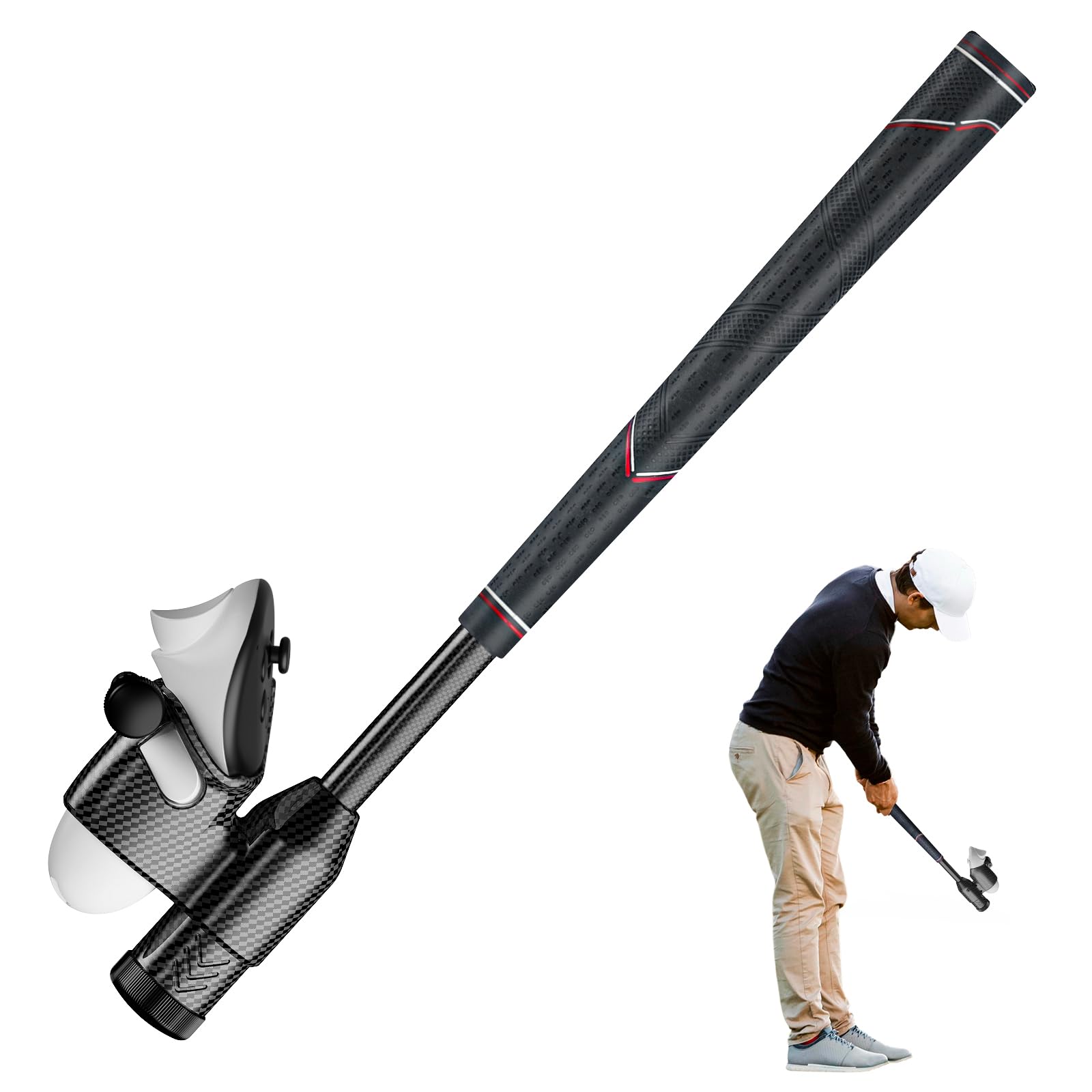
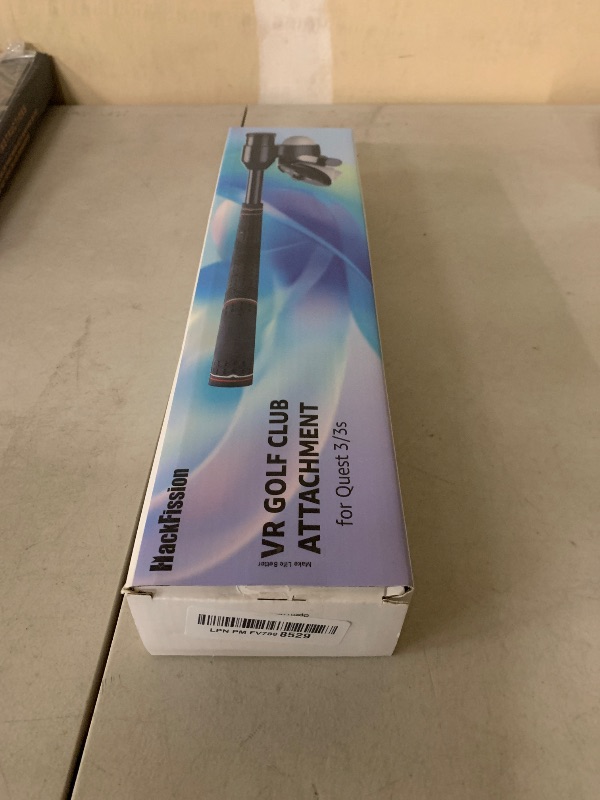
HackFission VR Golf Club Attachment Compatible with Meta Quest 3/3S, Golf Simulator with Double Lock, Non-Slip Grip, Precision Tracking & Adjustable Weight, VR Accessories for Right Controller
HackFission VR Golf Club Attachment Compatible with Meta Quest 3/3S, Golf Simulator with Double Lock, Non-Slip Grip, Precision Tracking & Adjustable Weight, VR Accessories for Right Controller
Item Details
Seller

Nellis Auction
Pickup Location
4000 Meadows Ln
Las Vegas, NV, 89107
Quality
New
Functional
No Damage
No Assembly Needed
In Package
No Missing Parts
Estimated Retail Price
$69.73
Buyers Premium
15%
Inventory Number
1049551254
Additional Details from the Manufacturer
This item information is coming from the manufacturer. Some of the details may vary from the Nellis Auction listing. Please check the Quality Rating and Notes for information specific to this listing
brand
HackFissioncolor
BlackMore features
- 【Dual Locking, No More Flying Out】A dual safety mechanism (threaded fastener + side-lock) keeps your controller locked securely in place, even during powerful swings. Just swing with Confidence
- 【Precision Tracking】Designed exclusively for right controller ,The controller-parallel shaft design ensures consistent and stable tracking by aligning perfectly with the headset’s signal, which makes the gameplay experience more realistic, and increases overall enjoyment
- 【Premium & Durable】This golf simulator accessories features a premium carbon fiber body for scratch-resistant durability, paired with a high-quality silicone grip that ensures a secure, non-slip hold and long-lasting sleek performance
- 【Customizable Weight for More Realistic】Fine-tune your swing with 15 customizable weight plates (total 2.65 oz), an optimized 18-inch length, and a premium non-slip silicone grip for a realistic, secure, and fully personalized VR experience
- 【Wide Compatibility & Easy Installation】Step into the virtual course with our VR golf club attachment made exclusively for Meta Quest 3 & 3S. Featuring an effortless, tool-free quick-release for instant setup, it’s your gateway to a true swing experience in Golf+ and other leading VR golf simulators
- 【How To Use】 Please calibrate before first use. For Golf+: 1. Launch game -> Settings. 2. Find "Controls" or"Accessories" ->Select "Custom" for your attachment type. 3. Follow the in-game instructions to position the controller on the virtual club.4. Adjust the angle and position of the controller until it feels natural and aligns with your real-world grip. 5.Save the settings.
- For Walkabout Mini Golf:1. Launch game ->Settings. 2.Choose "Custom" or "Controller'.3. Hold the grip button and move the controller to the desired position on the virtual club.4. Ensure the controller angle and position feel comfortable and realistic. 5. Save the settings. Note:The settings for other games are similar to those above.
See the deals
Get in on the action, thousands of new items added daily. Bid and win!
Start bidding now