
Explore Productsended
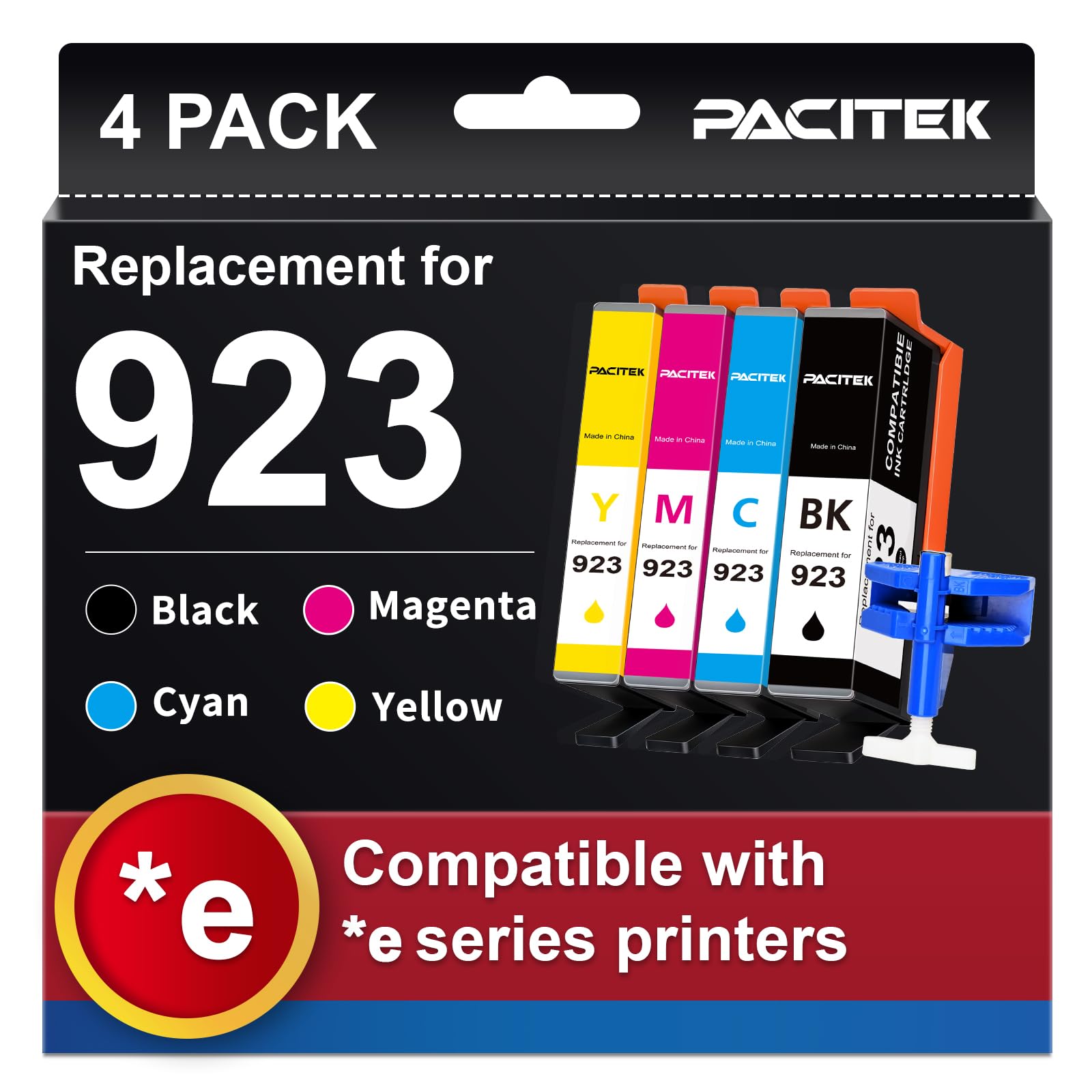
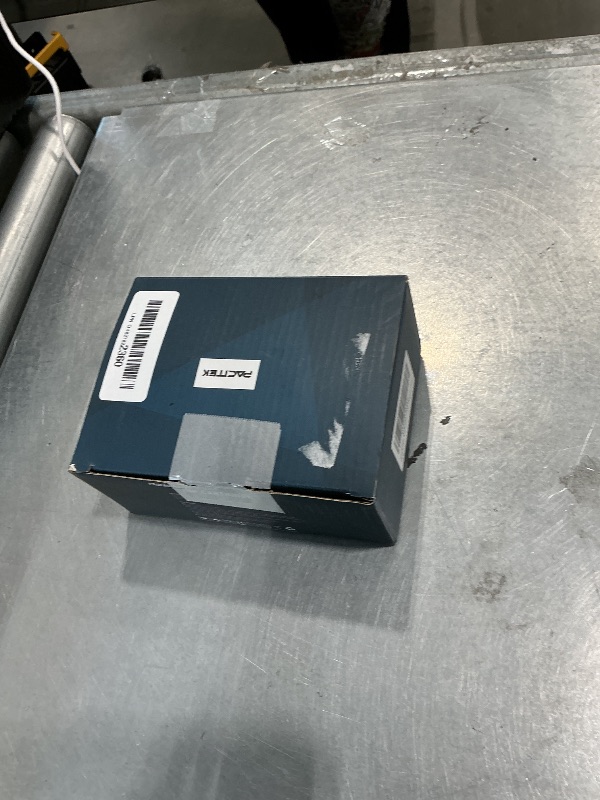
** ONLY COLOR Cyan/Yellow*** PACITEK Replacement for HP 923 Ink Cartridges 2-Pack, Work with OfficeJet Pro 8120e 8130e 8122e 8135e 8138e 8139e Printer, 923 Ink Cyan/Yellow (No Chip, Use Original Chip)
** ONLY COLOR Cyan/Yellow*** PACITEK Replacement for HP 923 Ink Cartridges 2-Pack, Work with OfficeJet Pro 8120e 8130e 8122e 8135e 8138e 8139e Printer, 923 Ink Cyan/Yellow (No Chip, Use Original Chip)
Item Details
Seller

Nellis Auction
Pickup Location
3615 W Grand Pkwy N
Katy, TX, 77449
Quality
New
Functional
No Damage
No Assembly Needed
In Package
Missing Parts
Estimated Retail Price
$38.56
Buyers Premium
15%
Inventory Number
1076848226
Additional Details from the Manufacturer
This item information is coming from the manufacturer. Some of the details may vary from the Nellis Auction listing. Please check the Quality Rating and Notes for information specific to this listing
brand
PACITEKcolor
PCH9234PV2BKCMYsize
923dimensions
Item: 5.0 × 2.0 × 4.0 in · Package: 0.57 lbMore features
- This chip-free ink cartridge set is compatible with HP OfficeJet Pro printers including 8120e, 8122e, 8123, 8130, 8130e, 8135e, 8138e, 8139e. Note: Requires reuse of original 23 chips from your previous cartridges. Match your printer model before ordering
- [Package Contents] Includes 1 x Black, 1 x Cyan, 1 x Magenta, 1 x Yellow 923-compatible ink cartridge, 1 x chip remover tool, and 1 x detailed installation guide
- [Page Yield] Black cartridge yields up to 500 pages; each color cartridge yields up to 400 pages, based on 5% coverage (A4/Letter). Actual yield varies by coverage and content
- [Print Performance] Designed to deliver sharp, clear text and vibrant color output with consistent ink flow, helping reduce smudging for everyday documents, reports, and photos
- Please note that these 923 ink cartridges are NOT equipped with chips.To use them, please follow these simple steps using the included Chip Transfer Tool: Remove: Use the tool to take the original chips off your used OEM cartridges. Transfer: Install the original chips onto the corresponding new cartridges (make sure the colors match). Insert: Place the new cartridges into their correct printer slots, and you are ready to go!
- [Tips & Support] For installation, use the included tool to remove chips from original cartridges, peel the protective tape from new cartridges, and attach the reused chips. Refer to the included guide for detailed steps. Technical Support is available if needed

See the deals
Get in on the action, thousands of new items added daily. Bid and win!
Start bidding now