
Explore Productsended
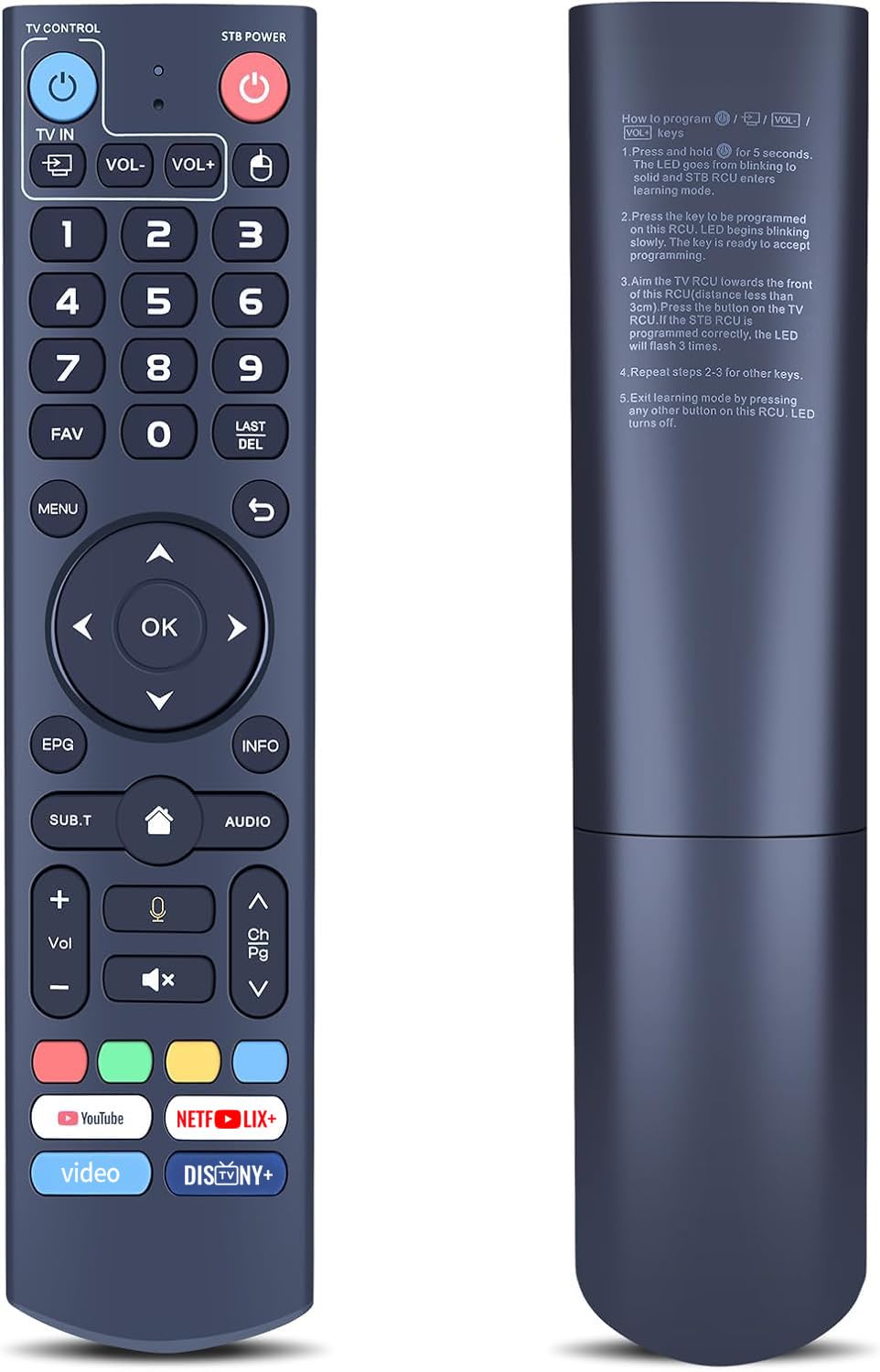
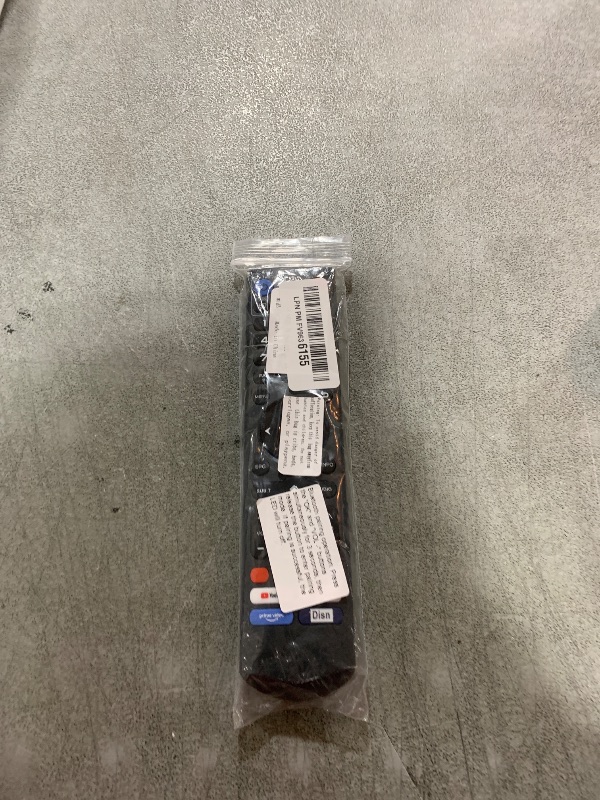
V3 Pro Replacement Voice Remote Control Compatible with vSeeBox V5 Pro / V3 Plus/V3 Pro / V2 Pro / V1 Pro/V1 Max/Elite/Max
V3 Pro Replacement Voice Remote Control Compatible with vSeeBox V5 Pro / V3 Plus/V3 Pro / V2 Pro / V1 Pro/V1 Max/Elite/Max
Item Details
Seller

Nellis Auction
Pickup Location
4031 Market Center Dr Suite 303
North Las Vegas, NV, 89030
Quality
New
Functional
No Damage
No Assembly Needed
In Package
No Missing Parts
Estimated Retail Price
$24.88
Buyers Premium
15%
Inventory Number
1065224849
Found in
Additional Details from the Manufacturer
This item information is coming from the manufacturer. Some of the details may vary from the Nellis Auction listing. Please check the Quality Rating and Notes for information specific to this listing
brand
RETROSUNMore features
- ⚠️Some functions are Not available? Please follow the steps below - 1) Press and hold [POWER] key for 5 seconds. the LED goss from blinking to solid and STB RCU enters Learning Mode. 2) Press the key to be programmed on this RCU. LED begins blinking slowly. The key is ready to accept programming. 3)Aim the TV RCU towards the front of this RCU(distance less than 3cm) Press the button on the TV RCU. If the STB RCU is programmed correctly, the LED will flash 3 times. 4)Repeat steps 2-3 for other keys and Exit learning mode by pressing any other button on this RCU. LED turns off
- 【ONLY Compatibility】this V3 Pro voice remote control work with part vSeeBox models, Including for vSeeBox V5 Pro / V3 Plus/V3 Pro / V2 Pro / V1 Pro/V1 Max/Elite/Max. Tips: V1 Max, V1 Pro, V2 Pro (No Voice Command Feature). Please make sure your box model is in the above list
- 【Enhanced Connectivity】Equipped with cutting-edge technology for lightning-fast pairing, rock-solid stability and extended range, Makes the connection process more convenient!
- 【Two working modes】V3 working mode and V2 working mode. Press and hold the number key 5 for more than 10 seconds and the indicator light flashes, indicating that the mode switch is successful. V3 Pro working mode is applicable to V3 Pro; V2 Pro working mode is applicable to V1 Pro/V2 Pro/Max/Elite.(Note: Vseebox V3 remote control defaults to V3 working mode)
- 【How to Use the V3 Remote Control On V1 Pro/V2 Pro/Max/Elite?】Press and hold the OK and vol- keys simultaneously (about five seconds) until the remote control indicator light continues to flash, which means the Bluetooth of the V3 remote control is enabled. Pair the remote control under System Settings - Bluetooth - Pair New Device, find the vseebox remote control, and connect to the vseebox. (If it is not found, it may be that Bluetooth is not turned on. Please press and hold the OK and vol- keys on the remote control at the same time to turn on Bluetooth)
- 【Package Including & After-Sales Service】1* Replacement Voice Remote Control for vSeeBox V3 Pro;If your device models is not on the compatible list, please contact us via amazon messaging tool. We can check it for you.
Online Reviews
4.4/5
Based on 12 ratings
This score is based on 12 recent reviews from online retailers.
Be sure to check our Quality Rating and Notes above for more details on this listing.
See the deals
Get in on the action, thousands of new items added daily. Bid and win!
Start bidding now