
Explore Productsended
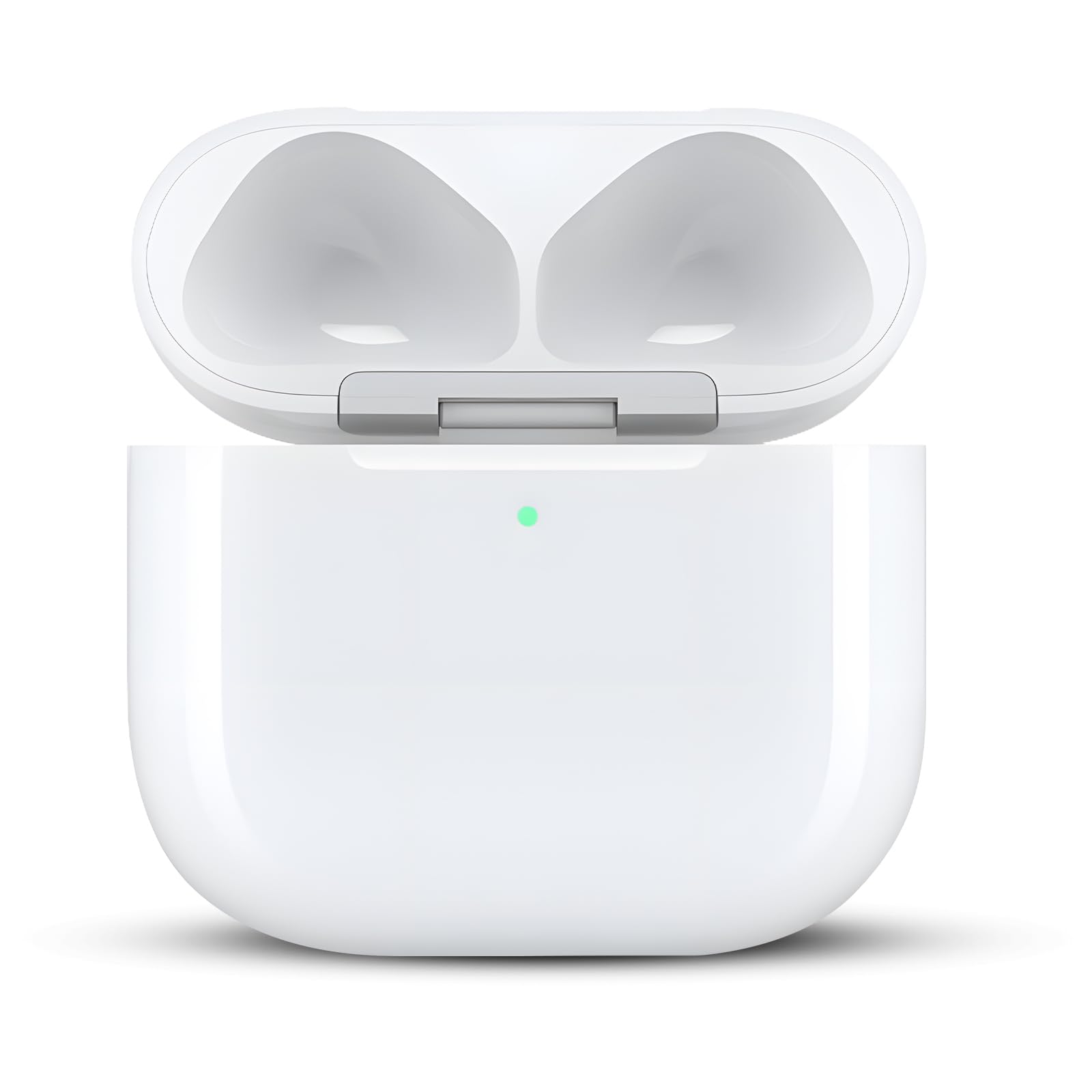
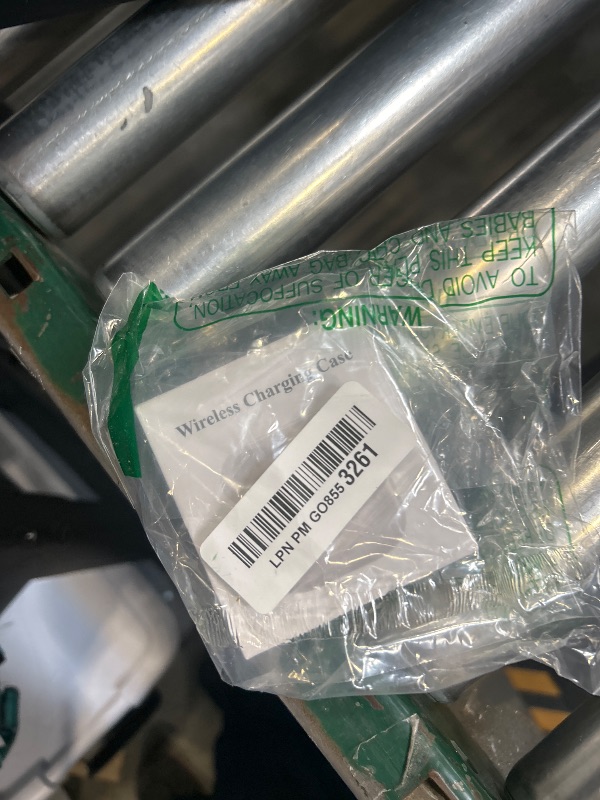
Wireless Charging Case Only for AirPods 4 USB C Prot, Replacement Cases Compatible with AirPod 4 Gen Charger Case Type-c (No Earbuds) (for Airpods 4)
Wireless Charging Case Only for AirPods 4 USB C Prot, Replacement Cases Compatible with AirPod 4 Gen Charger Case Type-c (No Earbuds) (for Airpods 4)
Item Details
Seller

Legacy Bids
Pickup Location
3591 John Peter Lee St
North Las Vegas, NV, 89032
Quality
New
Functional
No Damage
No Assembly Needed
In Package
No Missing Parts
Estimated Retail Price
$27.77
Buyers Premium
15%
Inventory Number
1071089076
Found in
Additional Details from the Manufacturer
This item information is coming from the manufacturer. Some of the details may vary from the Nellis Auction listing. Please check the Quality Rating and Notes for information specific to this listing
brand
GALAWAY-UScolor
For Airpods 4More features
- Only for Airpod 4 Gen: This airpods 4 replacement charging case can only be used for Airpod 4 Gen, NOT for other headphone models. Does not support Find My. You can buy it as your spare charging case or replacement charging case and put it in different places to charge your airpods anytime. It is not included earbuds.
- Fast Charging: The wireless airpods 4th charging case features quick charging capabilities. The built-in 680 mAh battery can be fully charged in 2.5 hours, and it can be fully charged earbuds 3 times, Charging the air pods 4th generation fully in 30 minutes
- 【 Wired & Wireless Charging 】 - Supports both USB-C cable charging and QI-compatible wireless charging. The charger case with LED indicators visible during charging, allowing you to stay informed of the charging status at all times.
- Charging Protection Design: Our AirPod 4 replacement case features the latest upgraded technology with six built-in protection mechanisms: overcharge, overvoltage, overheating, overcurrent, short-circuit, and overpower safeguards. Extend the service life and protect your airpod.
- 【Note】: Don't plug in the charger during the Bluetooth pairing stage. If you encounter issues like "one earbud has no sound, the indicator light is flashing randomly, or can't connect", do the following three steps first: ① Put the earbuds back into the case, close the lid for 15 minutes and then open it; ② Check the contact points of the earbuds/charging case, wipe them clean and try again; ③ Confirm that the earbuds are not disconnected and have enough battery power.
See the deals
Get in on the action, thousands of new items added daily. Bid and win!
Start bidding now