
Explore Productsended
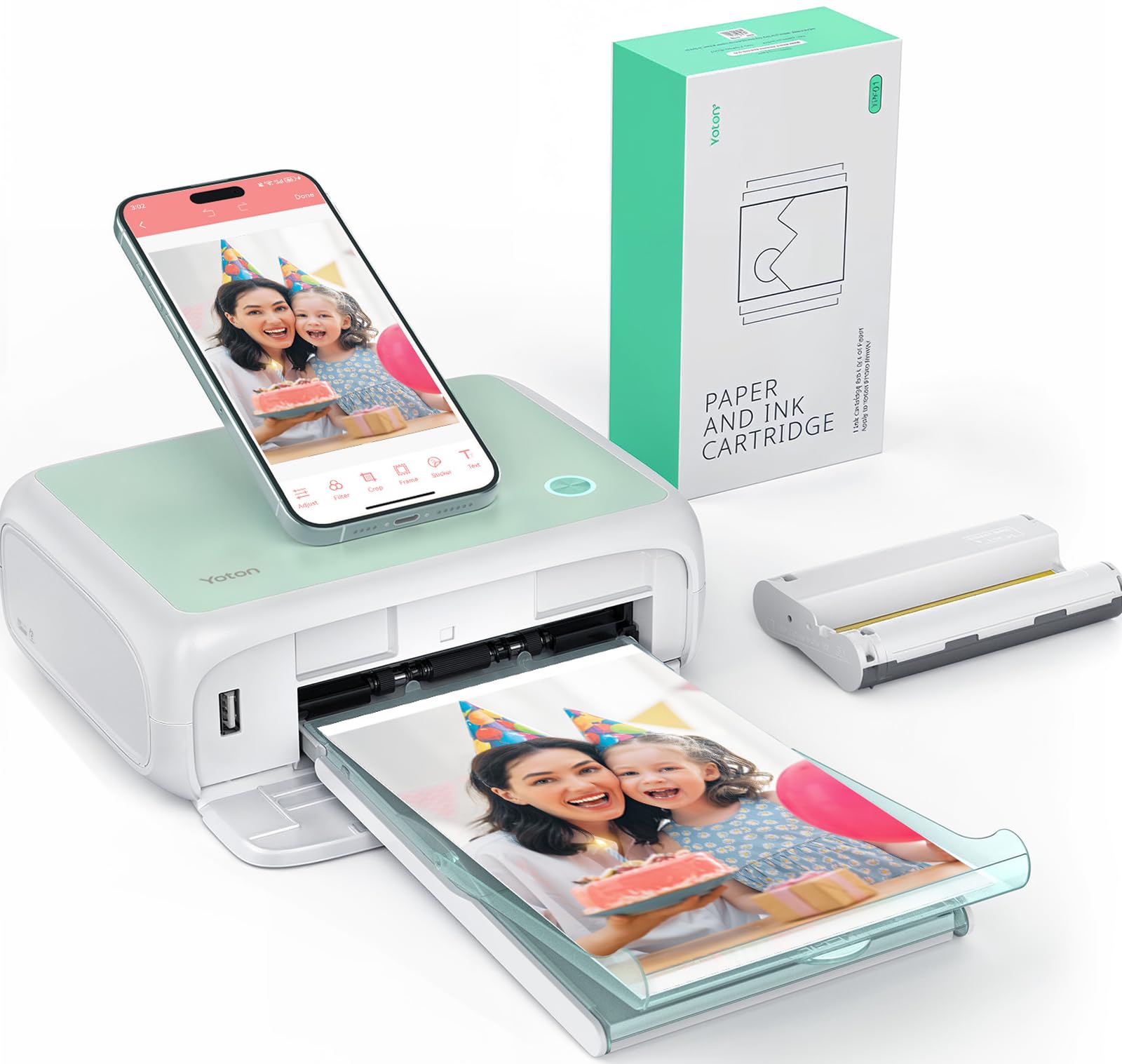
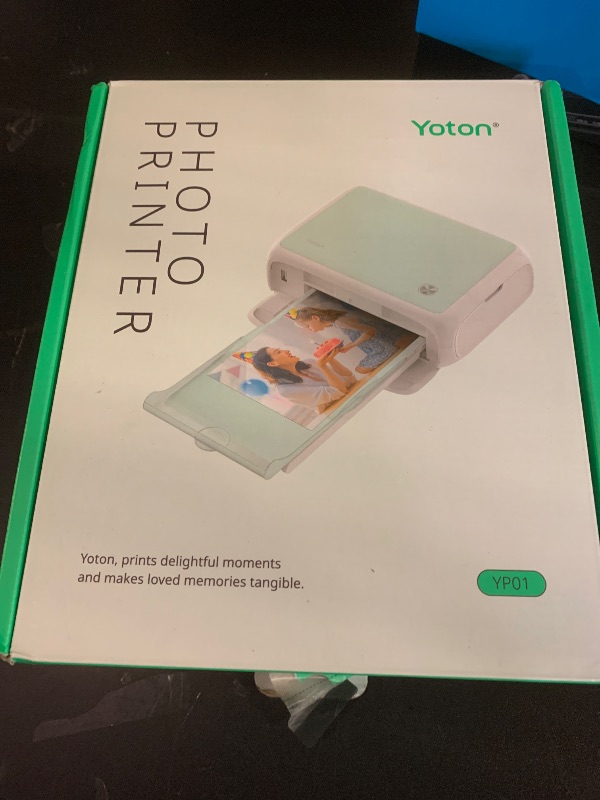
YOTON Photo Printer, Picture Printer with 54 Sheets (4"x6") & 1 Ink Ribbon, Support AR Video Printing, Wi-Fi Connection, Portable Photo Printer for iPhone/Android/Laptop (printing defect) (selling for parts)
YOTON Photo Printer, Picture Printer with 54 Sheets (4"x6") & 1 Ink Ribbon, Support AR Video Printing, Wi-Fi Connection, Portable Photo Printer for iPhone/Android/Laptop (printing defect) (selling for parts)
Item Details
Seller

Nellis Auction
Pickup Location
7440 Dean Martin Dr Suite 204
Las Vegas, NV, 89139
Quality
Used
Untested
Major Damage
No Assembly Needed
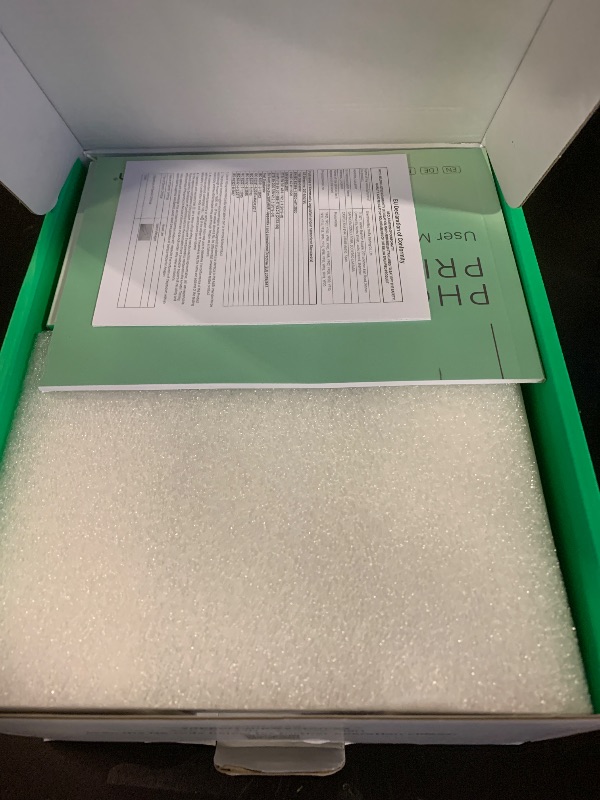
In Package
Unknown if Missing Parts
Estimated Retail Price
$107.21
Buyers Premium
15%
Inventory Number
1064626452
Additional Details from the Manufacturer
This item information is coming from the manufacturer. Some of the details may vary from the Nellis Auction listing. Please check the Quality Rating and Notes for information specific to this listing
brand
YOTONcolor
Multicolorsize
portableweight
4.44 lbsMore features
- 【Compact & Stylish Design】The Yoton photo printer measures just 7.1" x 4.9" x 2.2" and weighs 970g, so it slips easily into your backpack. With its sleek look, it fits perfectly on any desk. The photo printer works with iOS/Android phones and computers.
- 【Advanced Dye-Sublimation Printing Technology】YOTON photo printer adopts this printing technology, which makes the printed image more vivid in color, finer in texture and longer in durability. Note: One ink ribbon can print 40-50 photos.
- 【Stable and Fast Wi-Fi connection】To avoid issues with outside networks, the printer has its own built-in Wi-Fi. This means you can connect your phone directly to the printer – even with no internet around. Compared with Bluetooth or wired connections, Wi-Fi connections are more stable and faster.
- 【Exclusive AR Video Printing: Bring Still Photos to Life】 This groundbreaking feature allows you to print videos as photos! Print precious moving images up to 15 seconds long. Scan this special photo with the app, and the still image instantly comes to life on your phone, creating an immersive and surprising experience.
- 【Important Usage Tips】When not using the printer, please keep it sealed to prevent dust and hair from getting inside. During use, make sure the ink ribbon is securely clicked into place with the yellow button. If paper gets stuck, always turn off the power first before gently removing the paper. If you run into any problems, feel free to contact us via Amazon – we’ll reply within 24 hours and resolve issues within 48 hours.
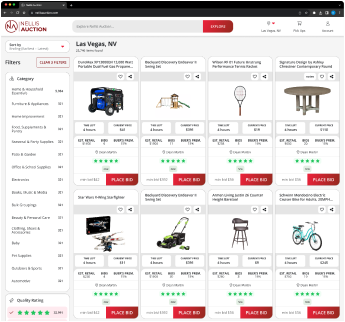
See the deals
Get in on the action, thousands of new items added daily. Bid and win!
Start bidding now